February 2003 Prototype

The February 2003 Prototype (built 2003-02-06 for PS2) was provided to select community members on condition that it not be released to the public.
Therefore, this build and accompanying data has been fully researched and presented here as thoroughly as possible.
The converted model, animation and audio assets in this build are intended to the be released here in the future.
The prototype has been made playable by NeoKesha, and datamined and researched by BetaM.
The build doesn't function on console, and therefore had to be patched to work on an emulator with modifications.
It contains one test level (Levels/AIDemos/coop) and global game data (Default resource packs, Sound/Music banks, Particles).
It also includes model and animation data for nearly every object ever added to the game up to the build's date.
The test level and default package only contains scripting for the objects that exist within the test level, so the accompanying uncompiled object and script data was used to restore all the other objects.
On boot, a log file called CrashEvo.log is created, including this build information:
PS2 Release Build - Version 2.613
Compiled - Feb  6 2003 16:12:03
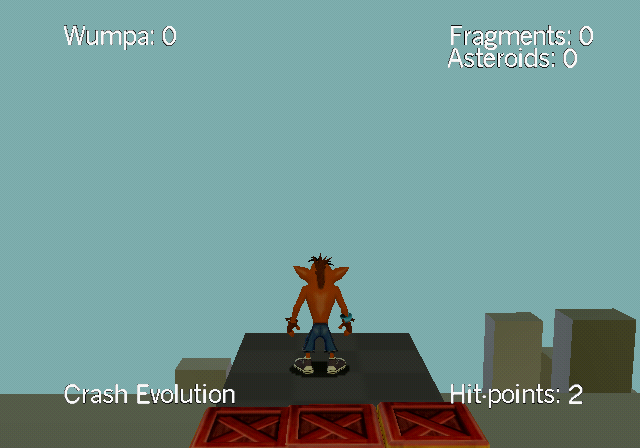
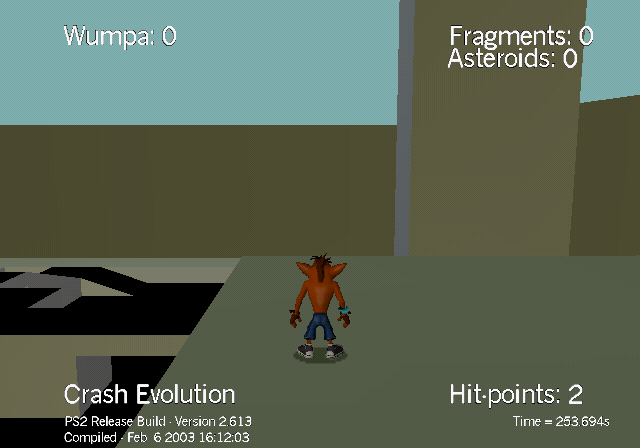
Starting the game loads directly into the test level (being specified in the command.txt file in the root of the buidl).
It runs at a resolution of 640x448 at 60 frames per second (NTSC-U).
During gameplay, the HUD always displays:
- Wumpa: X - the amount of Wumpa collected
- Fragments: X - the amount of Fragments collected
- Asteroids: X - the amount of Asteroids collected
- Crash Evolution - project title
- Hit-points: 2 - the amount of health for the player object remaining, 0 means death
There is no lives system at this point and dying resets the player to the last checkpoint.
Holding SELECT on the main controller displays the following information:
PS2 Release Build - 2.613
Compiled - Feb 6 2003 16:12:03
Time = XXX.Xs - time since boot
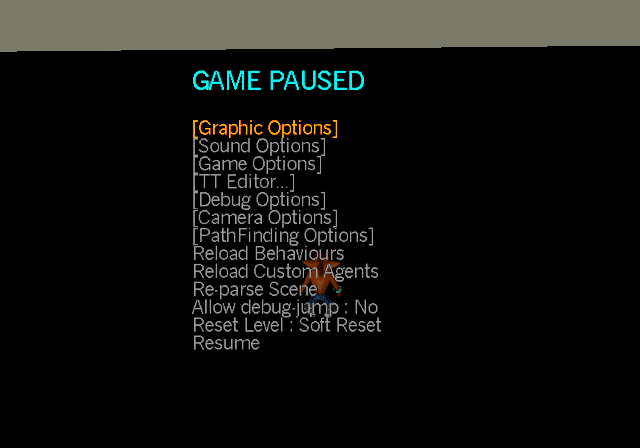
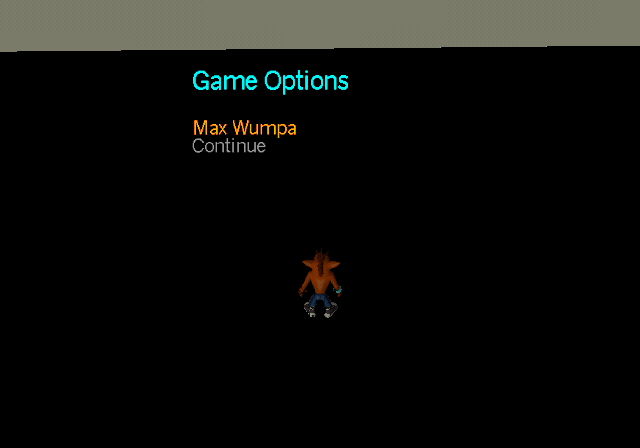
Pressing START on the main controller displays an extensive menu with the following options:
- Graphic Options
- Sound Options (does nothing)
- Game Options (contains the option Max Wumpa which gives 100 Wumpa to the player)
- TT Editor...
- Debug Options
- Camera Options
- PathFinding Options
- Reload Behaviours (hot-reloads all scripts that are in the Import/LevelAgents.axp file and resets level)
- Reload Custom Agents (presumably hot-reloads all Custom Agents from the Import/LevelAgents.axp file and resets level)
- Re-parse Scene (pressing it crashes due to memory related issues)
- Allow debug jump: Yes/No (setting it to yes gives the player a high jump when pressing L2)
- Reset Level : Soft Reset / Hard Reset (Soft behaves as if the player died, Hard behaves as if the level was just first loaded)
- Resume (closes the menu)
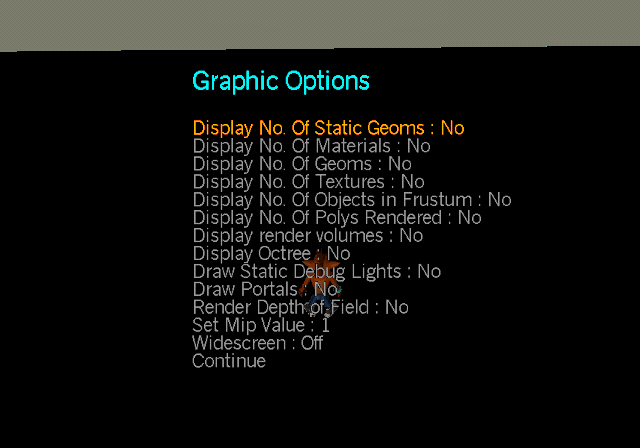
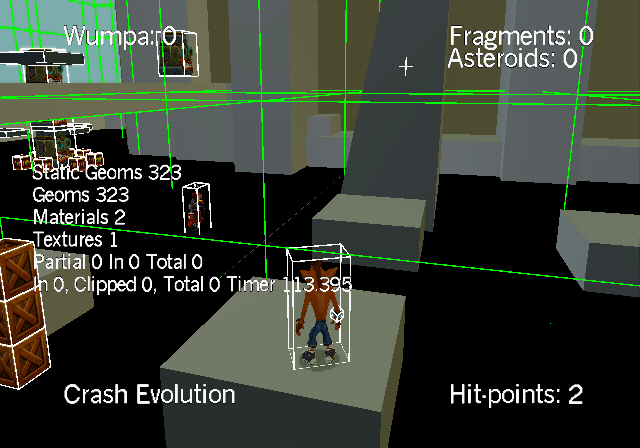
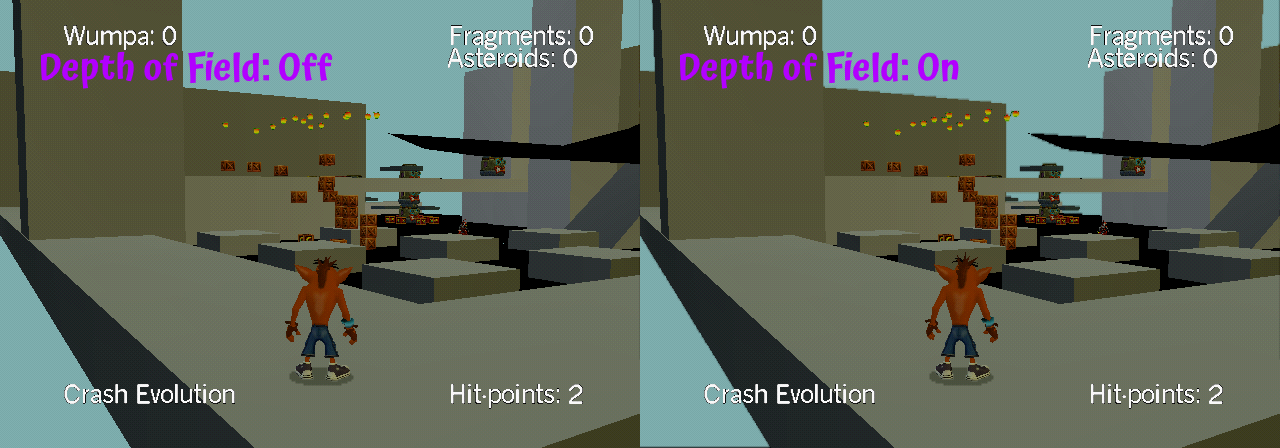
Graphic Options include the following:
- Display No. Of Static Geoms : Yes / No - Display a counter of static models
- Display No. Of Materials : Yes / No - Display a counter of materials
- Display No. Of Geoms : Yes / No - Display a counter of models
- Display No. Of Textures : Yes / No - Display a counter of Textures
- Display No. Of Objects in Frustum: Yes / No - Display a counter of visible objects on screen
- Display No. Of Polys Rendered: Yes / No - Display counters for the number of object polygons and a timer
- Display render volumes: Yes / No - Display bounding boxes around object models
- Display Octree: Yes / No - Display bounding boxes of scenery
- Display Static Debug Lights: Yes / No - Display white markers in places where static lights are placed
- Draw Portals: Yes / No
- Render Depth of Field: Yes / No - Adds a Depth of Field filter on the camera, applying a blur to distant objects
- Set Mip Value: -Infinity to 1
- Widescreen: On / Off - The same widescreen toggle as in the final game
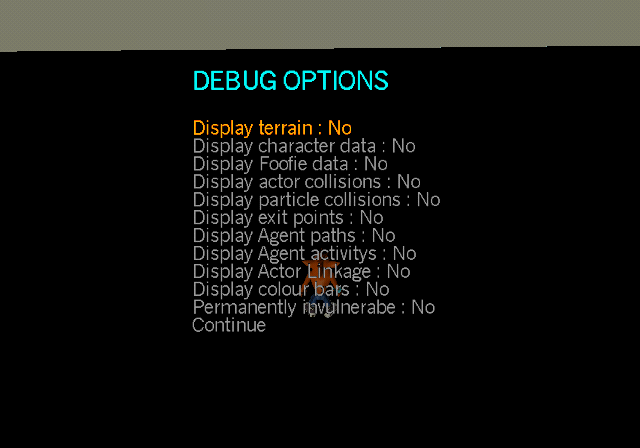
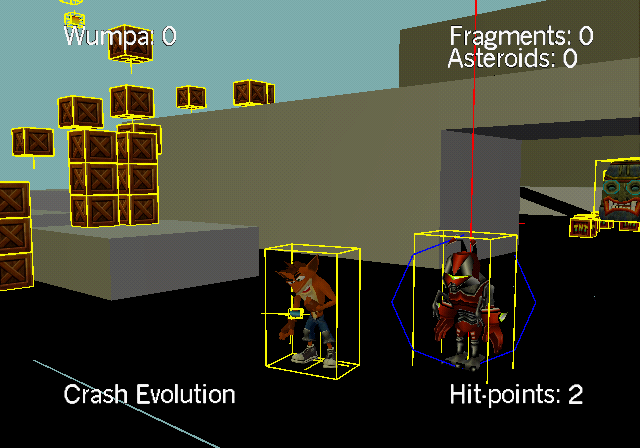
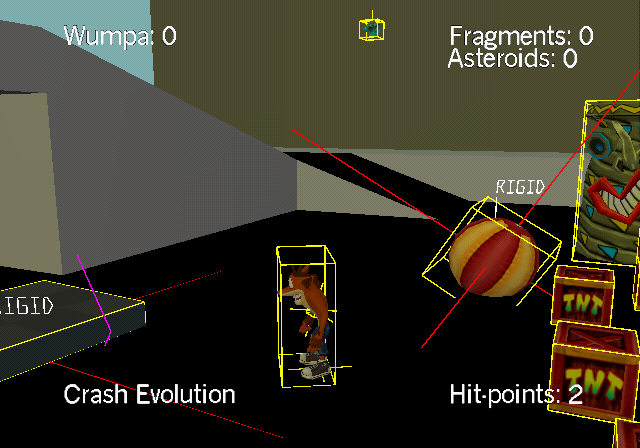
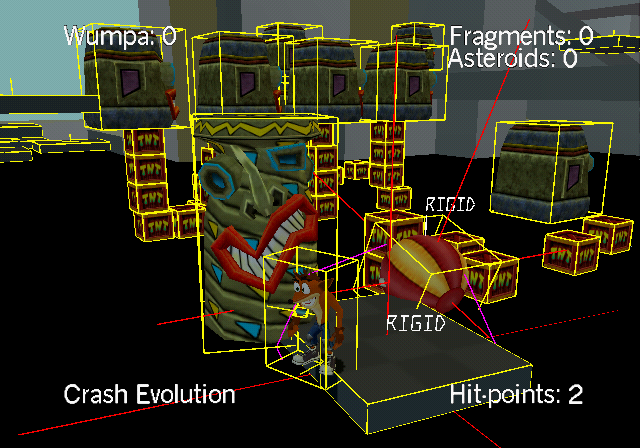
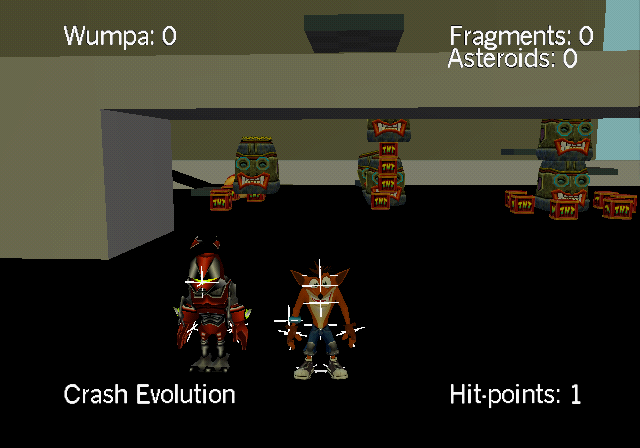
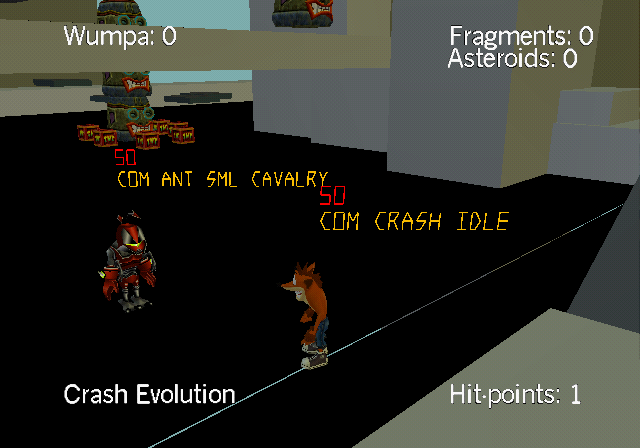
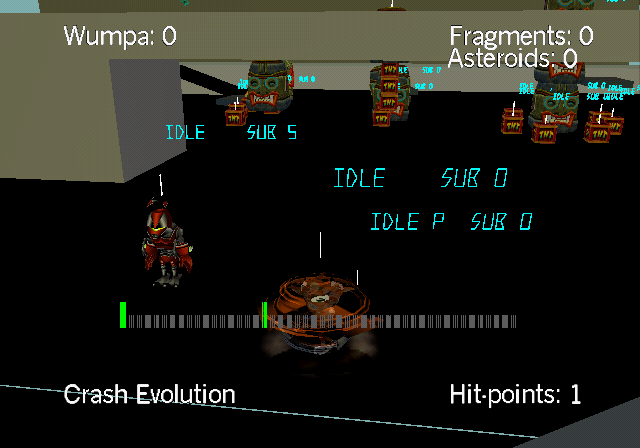
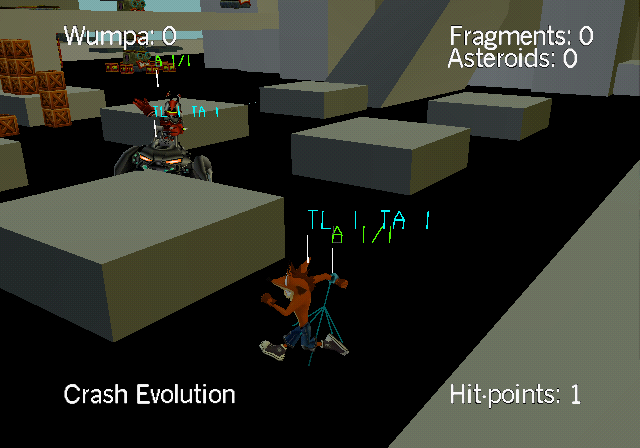
Debug Options include the following:
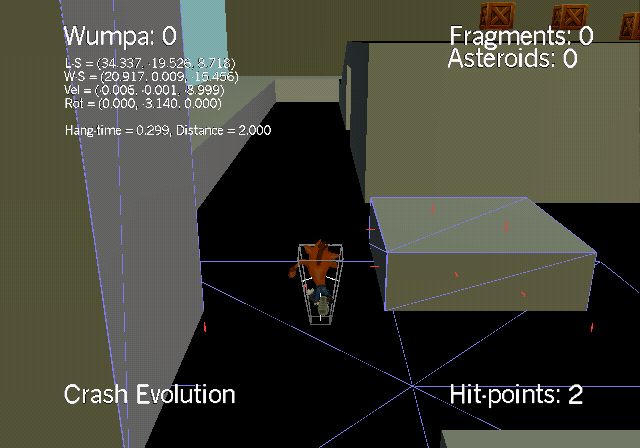
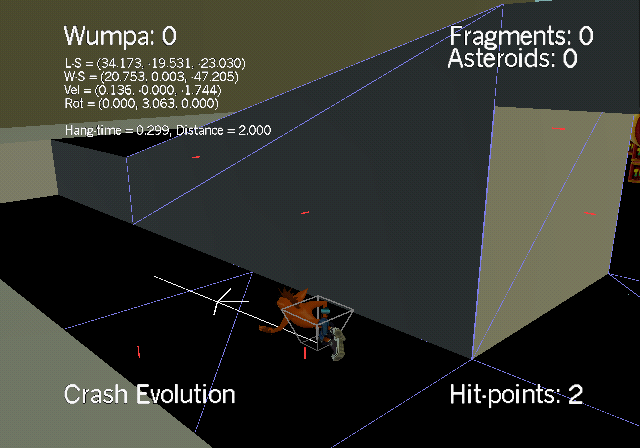
- Display terrain : Yes / No - displays the player collision cone and nearby terrain collision triangles. The triangles are highlighted in blue and their center has a red line sticking out.
- Display character data : Yes / No - displays the player object's horizontal movement direction and adds labels: LS = (X Y Z) for position in local space, WS = (X Y Z) in world space, Vel = (X Y Z) for velocity, and Rot = (X Y Z) for rotation
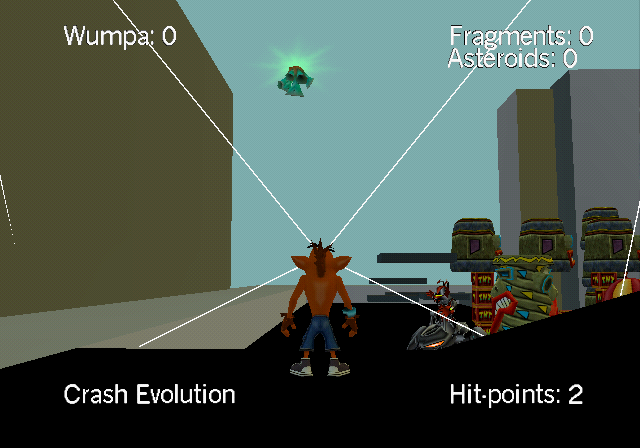
- Display Foofie data : Yes / No - displays a cone of visibility from the player object's head for checking Foofie attachment points like Chi Chi Grass
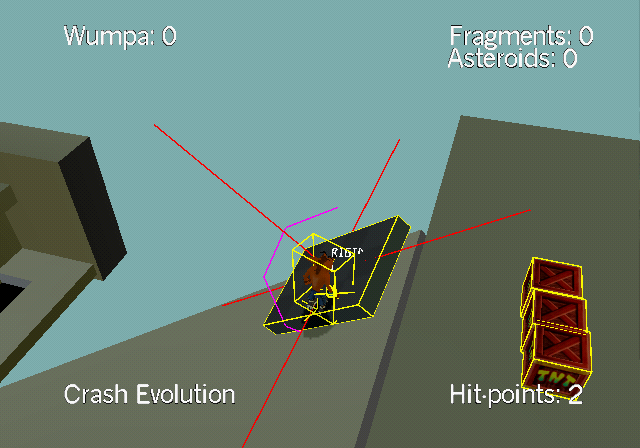
- Display actor collisions : Yes / No - displays yellow collision shapes for every object
- Display particle collisions : Yes / No
- Display exit points : Yes / No - displays white markers on every object model that has exit points
- Display Agent paths : Yes / No - displays state script priority in red and name in orange over every Creature/Player object
- Display Agent activitys : Yes / No - displays a white line and blue activity labels over every object, adds a color bar indicating activity in the middle
- Display Actor Linkage : Yes / No - displays links between objects
- Dispaly colour bars : Yes / No
- Permanently invulnerable Yes / No - prevents the player object from taking damage
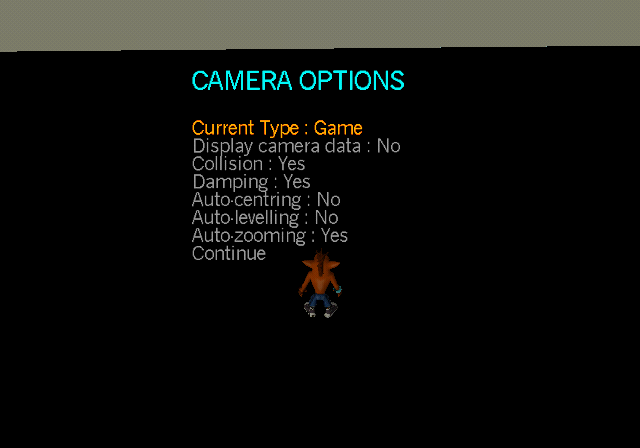
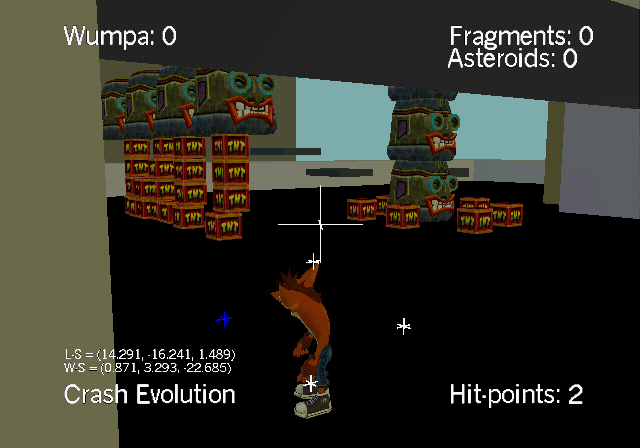
Camera Options include the following:
- Current Type : Game / Debug on Controller 1 / Debug on Controller 2 - choosing debug detaches camera from the player allowing free control on the set controller. The player continues to be playable on controller 1. The debug camera controls are the same as in the TT Editor's.
- Display camera data : Yes / No - displays the camera pivot point with a white marker and shows 4 markers for adjusting the camera that turn blue when obstructed. Adds labels: LS = (X Y Z) for position in local space, WS = (X Y Z) in world space
- Collision : Yes / No - toggles the camera colliding with solid ground
- Damping : Yes / No - toggles the camera smooth interpolation
- Auto-centring : Yes / No
- Auto-levelling : Yes / No
- Auto-zooming : Yes / No - toggles the camera zooming out when there's enough space for it
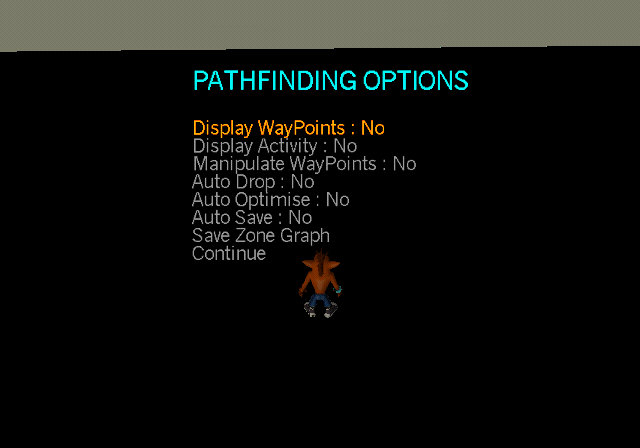
PathFinding Options include the following:
- Display WayPoints : Yes / No - crashes in the test level due to it not having any WayPoints
- Display Activity : Yes / No - also crashes because it activates the first option
- Manipulate WayPoints : Yes / No - also crashes because of missing WayPoints
- Auto Drop : Yes / No - also crashes because of missing WayPoints
- Audo Optimise : Yes / No - also crashes because of missing WayPoints
- Auto Save : Yes / No
- Save Zone Graph - also crashes because of missing WayPoints
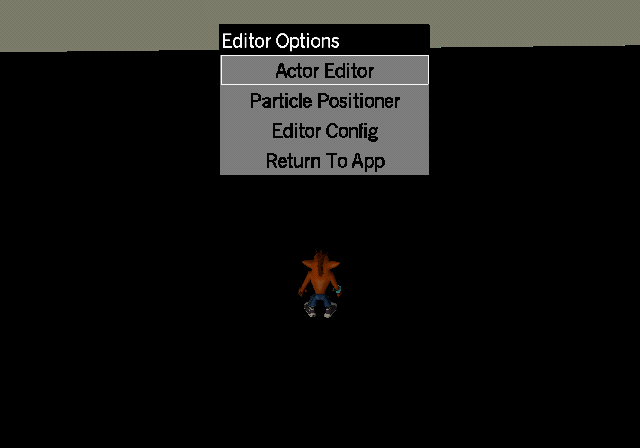
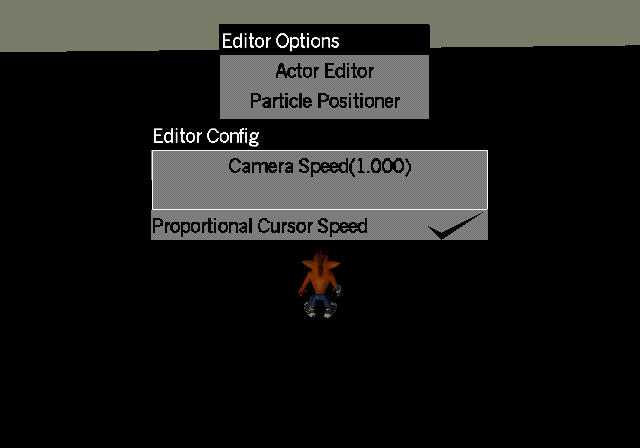
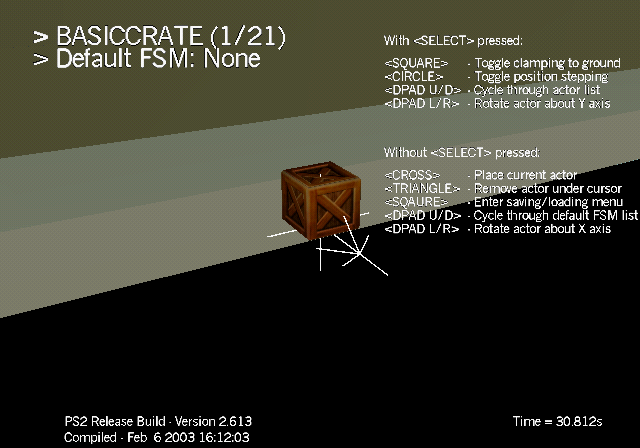
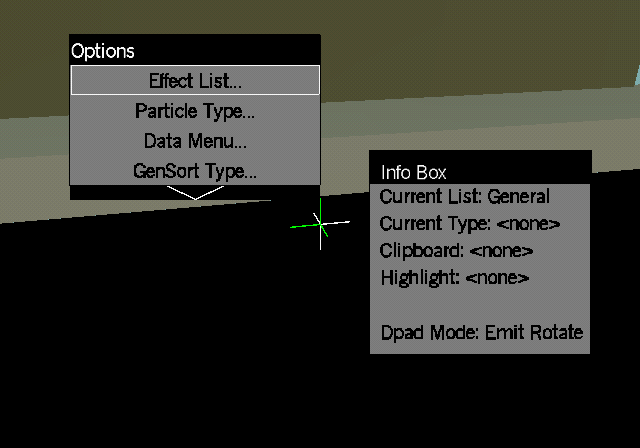
The TT Editor option opens a window similar to other Travellers Tales games of the time, including:
- The Actor Editor - for spawning instances from templates inside the Default resources file.
- The Particle Positioner - for creating level particle effects and instances that can be saved to file.
- Editor Config - Camera Speed adjustment and Proportional Cursor Speed toggle
- Return To App - returns to the pause menu
Pivot Controls:
- Left Stick - moves horizontally
- Right Stick - rotates around pivot
- R1 - zooms into the pivot
- R2 - zooms out of the pivot
- L1 - moves vertically up
- L2 - moves vertically down
- D-Pad Left/Right - rotates instance around X axis
- Cross - places instance
- Triangle - removes instance under cursor
For the Actor Editor:
- D-Pad Up/Down - switches instances
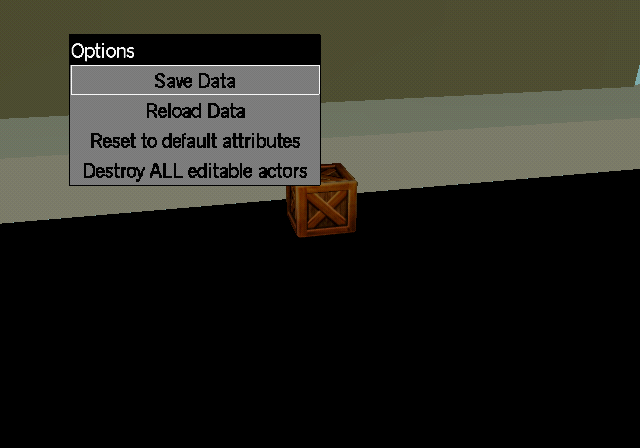
- Square - enters menu that offers saving to file, reloading from file, resetting and destroying all instances spawned using the editor
- SELECT + Square - toggles clamping to ground
- SELECT + Circle - toggles snapping to grid (0.5/0.5/0.5)
- SELECT + D-Pad Left/Right - rotates instance around Y axis
- SELECT + D-Pad Up/Down - switches the starting state of the object if the template allows it
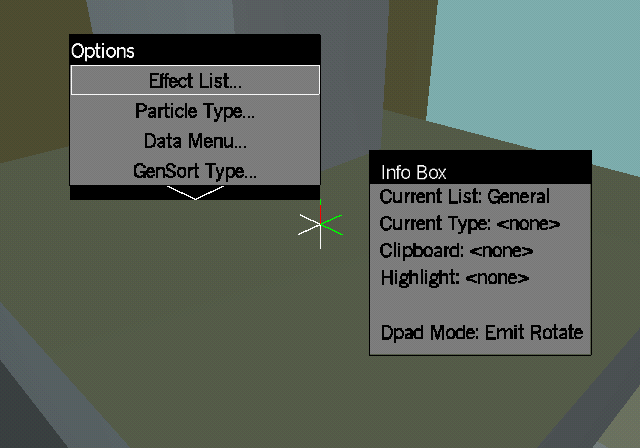
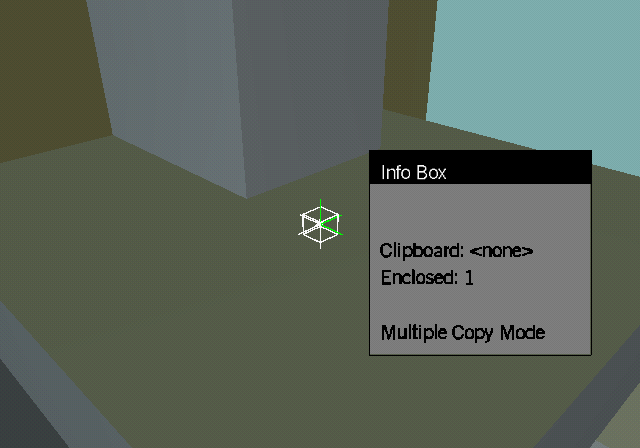
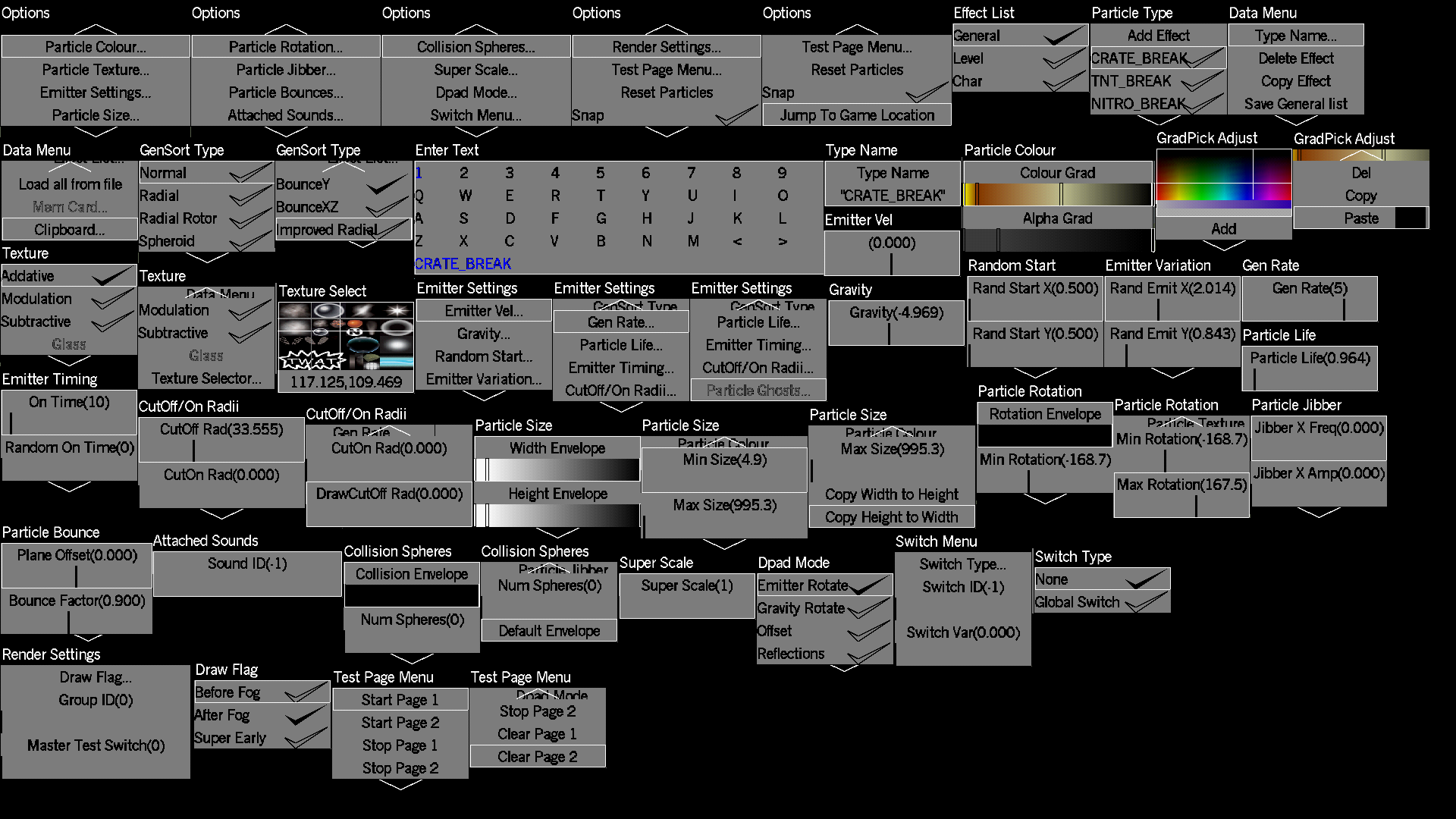
For the Particle Positioner:
- D-Pad Up/Down - rotates instance around Y axis
- Circle - hold to move the effect using Left stick and L1/L2
- SELECT - snaps to nearest particle instance
- SELECT + R1 - switches between particle instances
- SELECT + Circle - enters Multiple Copy Mode
- Square - enters menu with extensive settings to create, save and load particle effects and instances.
The Actor Editor contains spawnable templates for the following 21 objects:
BASICCRATE, FRAGMENTCRATE, IRONCRATE, IRONSPRINGCRATE, IRONSWITCHCRATE, MULTIPLEHITCRATE, NITROCRATE, NITROSWITCHCRATE, REINFORCEDWOODENCRATE, SURPRISECRATE, TNTCRATE, WOODENSPRINGCRATE, REDWUMPA, HEALTH, CEILINGCHICHIGRASS, WALLCHICHIGRASS, FLOORCHICHIGRASS, ASTEROID, FRAGMENT, CHECKPOINTCRATE, AKUAKUCRATE